
Here you will find the instruction how to install Tabby Catalogue in Zid.
- In Tabby Merchant Dashboard go to the “Marketing” tab;
- Сheck the status of your store. It should be published to start the item uploading process;
- Once the store is published, click the “Upload products” button and choose Zid;
-
You are redirected here to the instructions and the Zid App Market installation links:
- KSA market - Tabby Catalogue (KSA);
- UAE market - Tabby Catalogue (UAE/Kuwait).
- In Zid App Market install and activate the relevant Tabby Catalogue app(s);
- Upon activation you will be redirected back to the Tabby Merchant Dashboard to undergo the OAuth process. The KSA app connects to merchant.tabby.sa and the UAE app connects to merchant.tabby.ai;
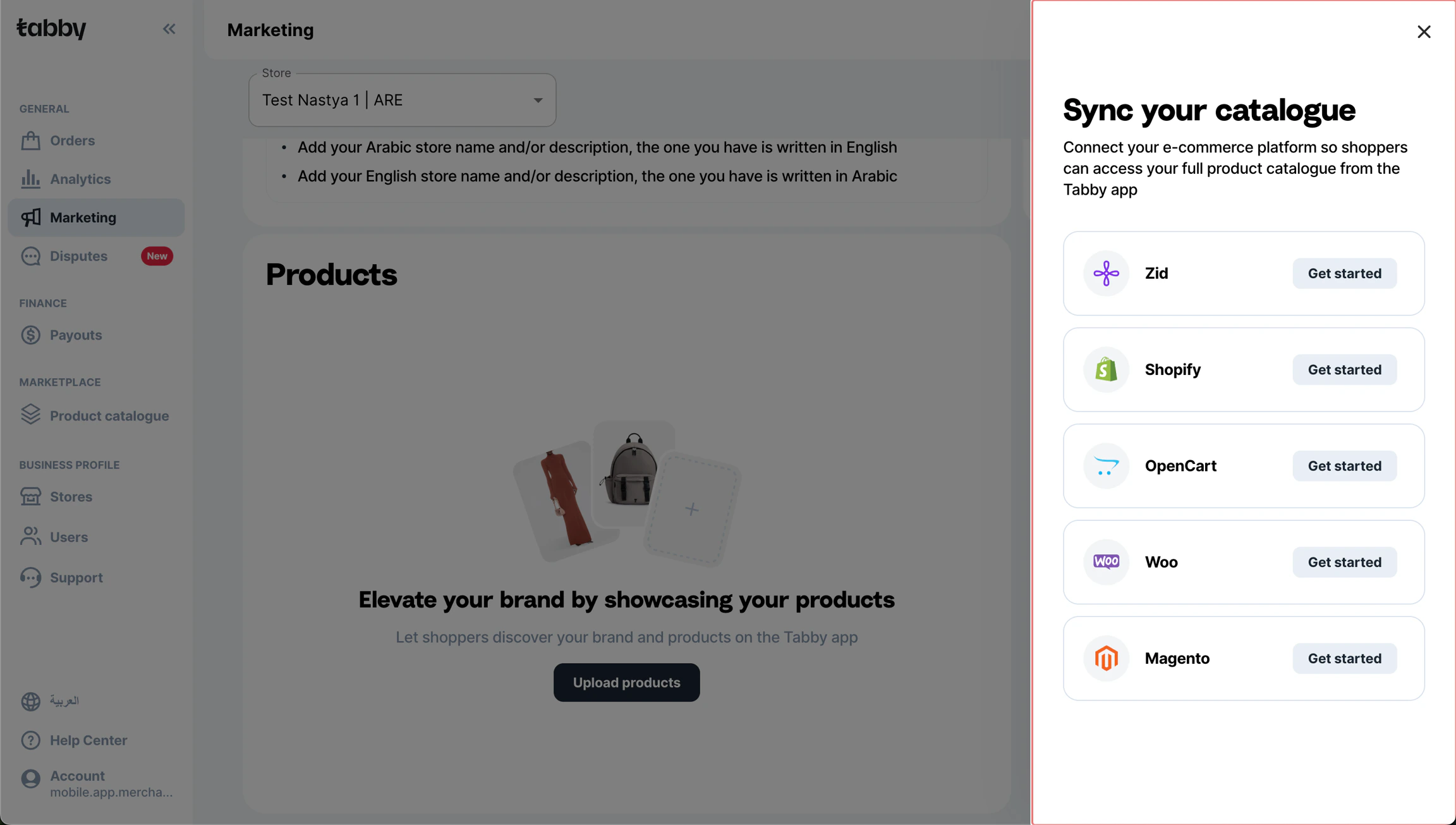
Make sure your store is published before uploading the items
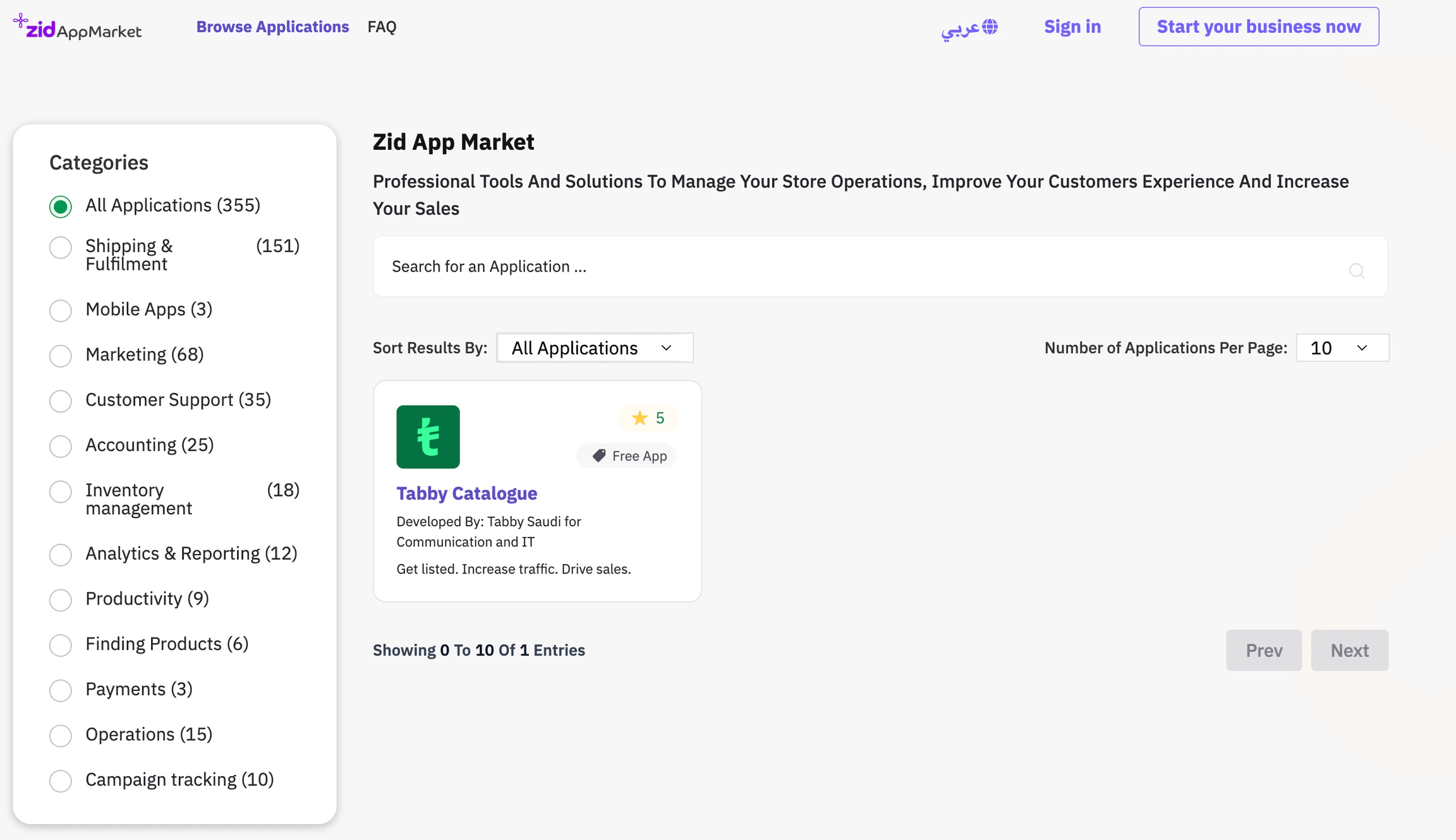
Tabby Catalogue in Zid App Market
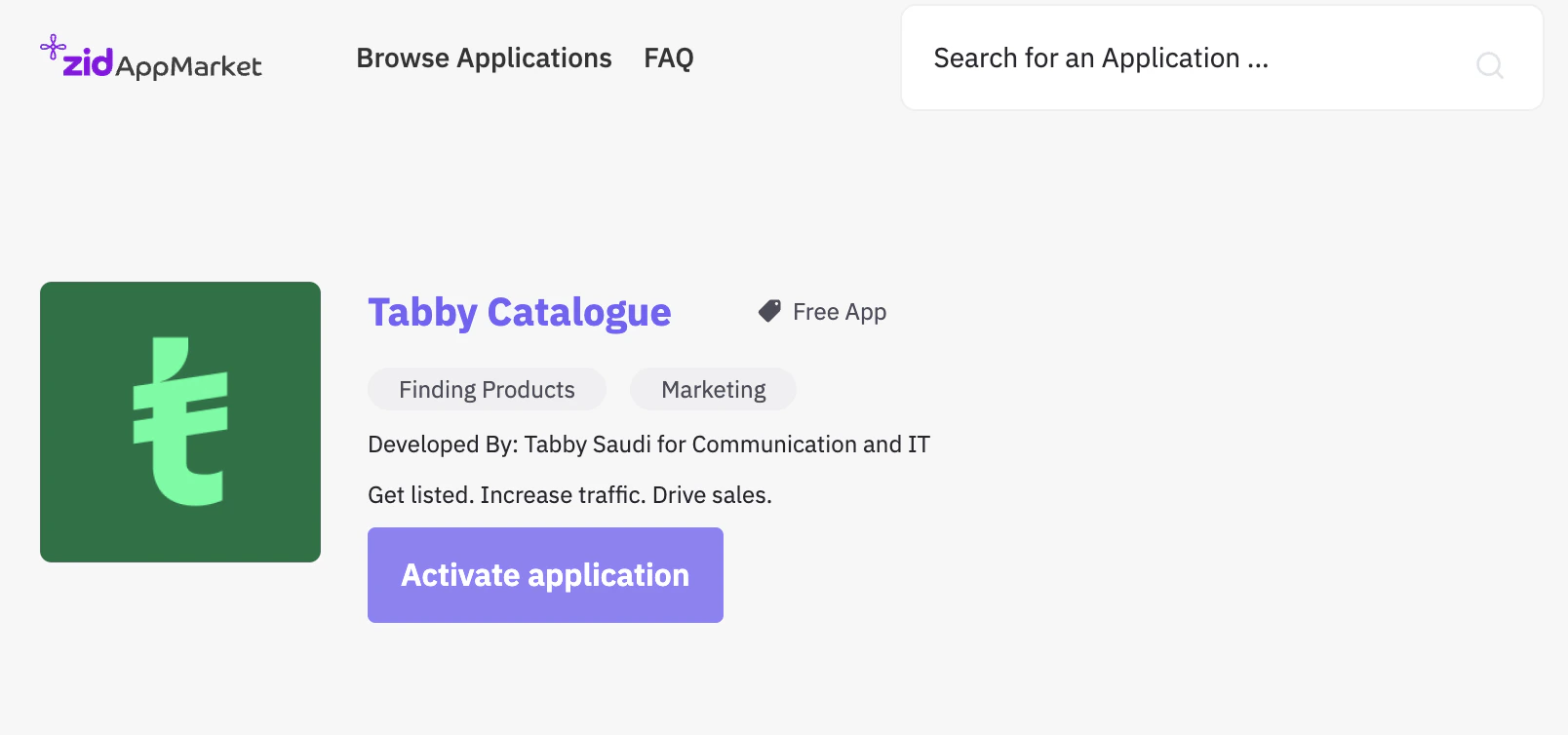
Activation Page